What you need
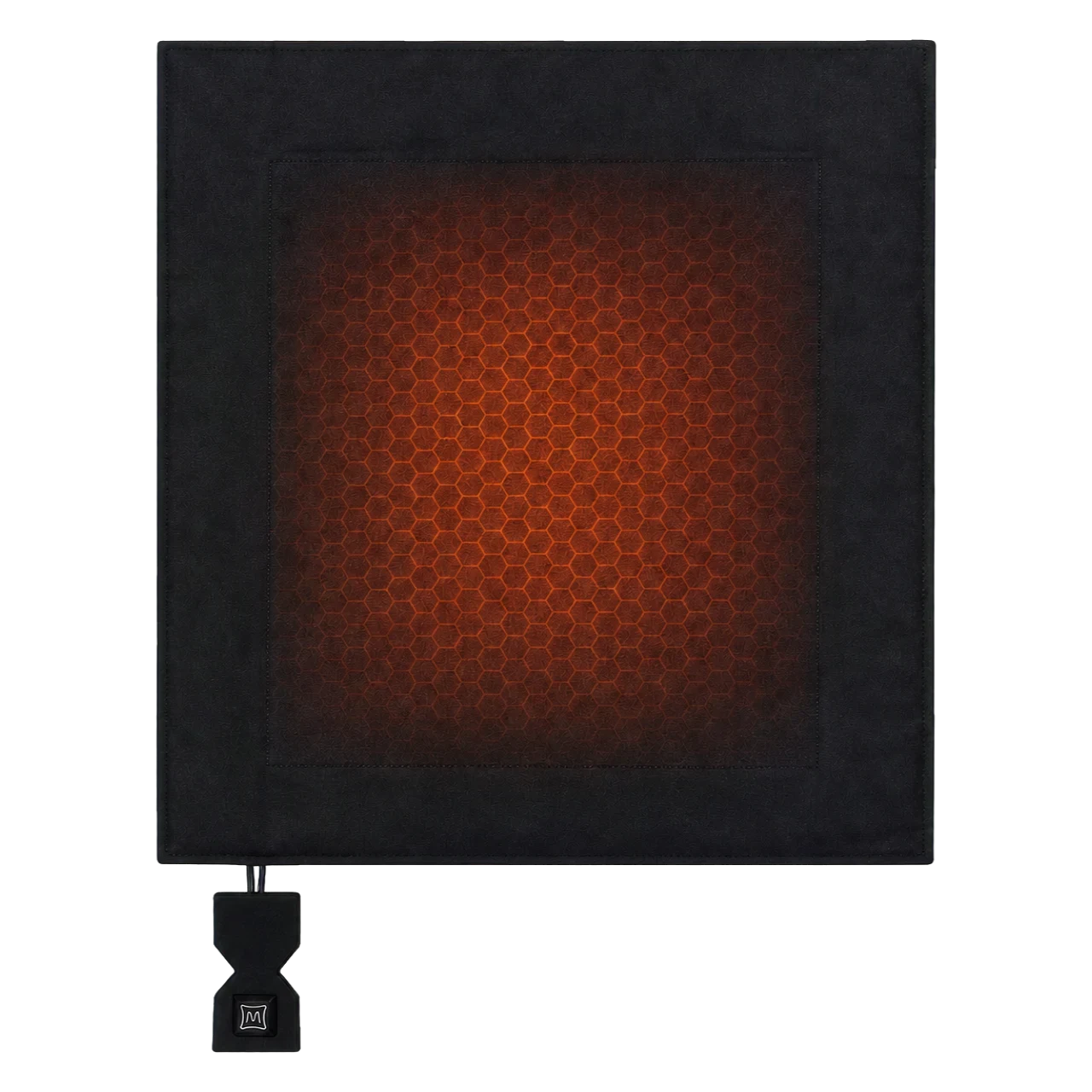
A 45×45 cm heated inner cover, your own suitable cushion insert or loose cushion filling, a decorative cover and a suitable 5V/2A power bank. The inner cover has a zip, a short USB-A cable and a rear power bank pocket. A cushion insert, filling and decorative cover are not included.
1. Check the size and fit
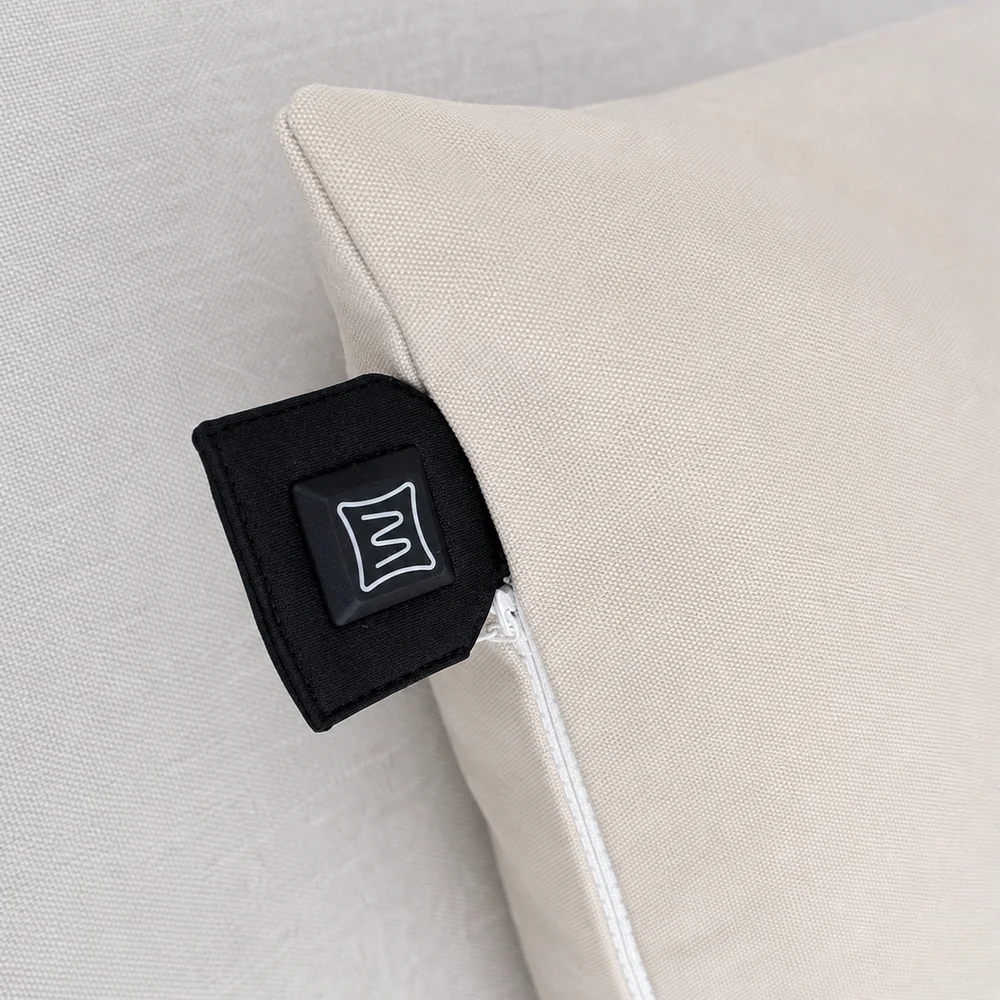
Check both your filling and outer cover. There must be room for the 45×45 cm inner cover, the zip must close normally and the control must remain accessible. A very thick insert or tight cover will not automatically fit. Ask for advice first for 50×30 cm cushions or other shapes.
2. Add your own filling
Open the zip and place your cushion insert or suitable loose cushion filling inside the heated inner cover. Distribute the filling and keep the cable and connector clear. The panel is at the front: the heated area is 30×30 cm, not the entire 45×45 cm cushion.
3. Connect the power bank and add your decorative cover
Connect the USB-A cable to a suitable power bank and place it in the rear pocket. Pull your decorative cover over the assembled cushion. Keep the control accessible beside the zip and avoid trapping the cable or plug. Follow the product instructions to switch on and select one of the three heat settings.
Choose the right version
If you already have a suitable power bank with a 5V/2A output, choose the inner cover without a power bank. Check that your battery fits the 20×12.5 cm pocket; the integrated USB-A cable is 15 cm long. You can also choose a Warmpi 10,000 or 20,000 mAh power bank. Your selection on the product page determines the price and what is included.
An electric cushion or a homemade rice heating pad?
A grain-filled or rice-filled heating pad is a different product with a different heating method. This guide uses a complete electric inner cover inside your cushion. Never put the electric inner cover in a microwave or modify its panel or wiring. Watch the product instruction video before first use.